Still using a personal Gmail for work? Why a you@yourbusiness email helps people trust you

When a new customer wants to get in touch, they often start with a simple test: they look at the email address on your website or your invoice. If it is a personal Gmail, Hotmail or Yahoo address, many people will still write to you. But some will hesitate. They are not sure whether the message will reach the business, or whether they have found the right person at all.
A professional address, such as [email protected] or [email protected], does not make you a bigger company than you are. It simply shows that the email belongs to the business, not just to a private inbox. It is one of the smallest changes you can make, and it is one of the ones customers notice.
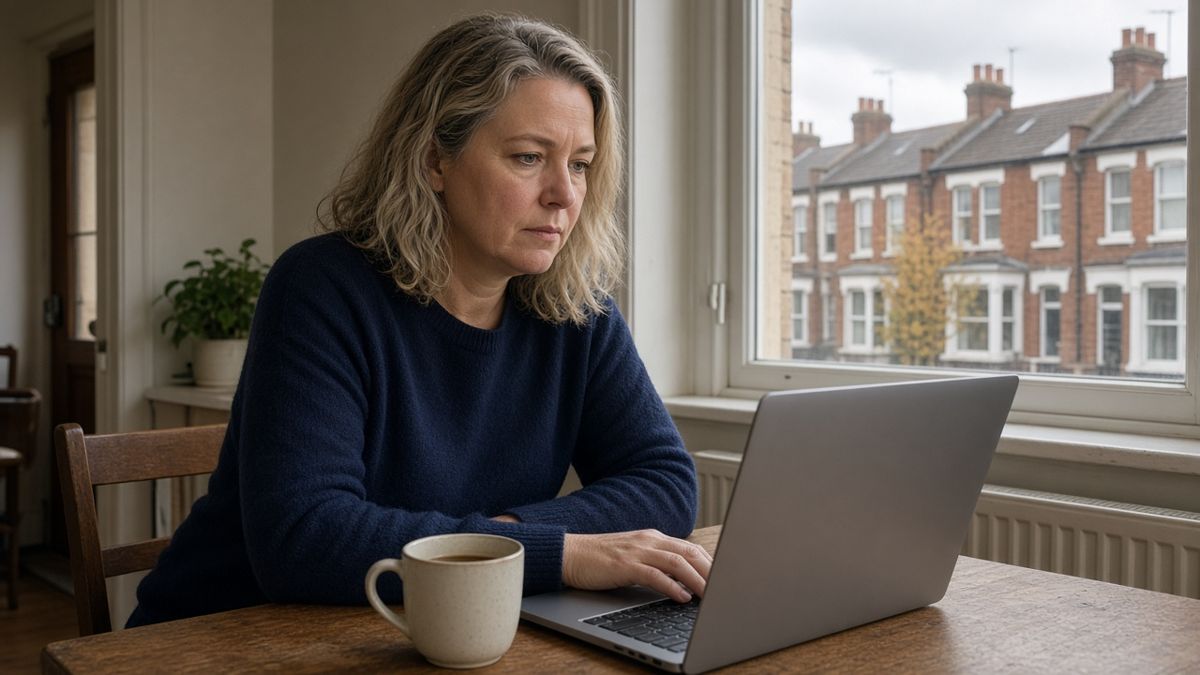
Why this matters more than it first appears
People make quick judgements from small details. An email from a personal account can look as if the business is temporary, or as if messages might get mixed up with family mail. A typo in the address, such as a missing letter or "gamil" instead of "gmail", can mean the message never arrives at all. I often see this on local websites: the contact link is almost right, but not quite, so customers think they have written and then hear nothing back.
A business address also stays with the business. If a helper has been sending mail from their own account and later moves on, you can be left without years of customer messages. An address on your own domain keeps that mail in one place that you control.
First, check whether you already have a domain
Your domain is the web address people type to find you, such as yourbusiness.co.uk. If you already have a website, you almost certainly have a domain, even if you have never used it for email. That is the part you need.
If you are not sure, look at the address bar when you open your own site, or find the invoice from the company that bills you for the website or the domain. You do not need to change your website in order to add email. If you do not have a domain yet, you can register one first; the email address can still work on its own.
Choose a simple address and a mailbox
Keep the address short and obvious. hello@, info@ or your first name are all fine. Avoid long strings of numbers or nicknames that customers will mistype.
You then need a mailbox that uses that address. Three common routes for a small UK business are:
- Google's business email, if you already live in Gmail and would like to keep a similar inbox
- Microsoft 365, if you already use Outlook or Word
- The email that comes with your website hosting, which is often enough if you only need one or two addresses
I am not going to quote prices here, because they change. Look at the current figure on the provider's own website, and start with a single mailbox if you work alone.

To set it up, you (or the person who looks after your domain) will be asked to add a few records at the company that holds your domain. This sounds technical, but it is a short, once-only job, and most providers give step-by-step instructions. When it is done, send a test message to a friend or to your personal account, and reply to it, so you know mail is travelling both ways.
Keep your old address for a while
Do not switch off your personal Gmail or Hotmail the day the new address starts working. For a few weeks, check both. Better still, set the old account to forward incoming mail to the new one, so nothing is missed.
Then update the places customers already see your email, one at a time: your website's contact page and footer, your Google Business Profile, invoices, estimates, your email signature, and any Facebook, Instagram or directory listings. Type the new address slowly and read it back. A single wrong letter will send people into a dead end.
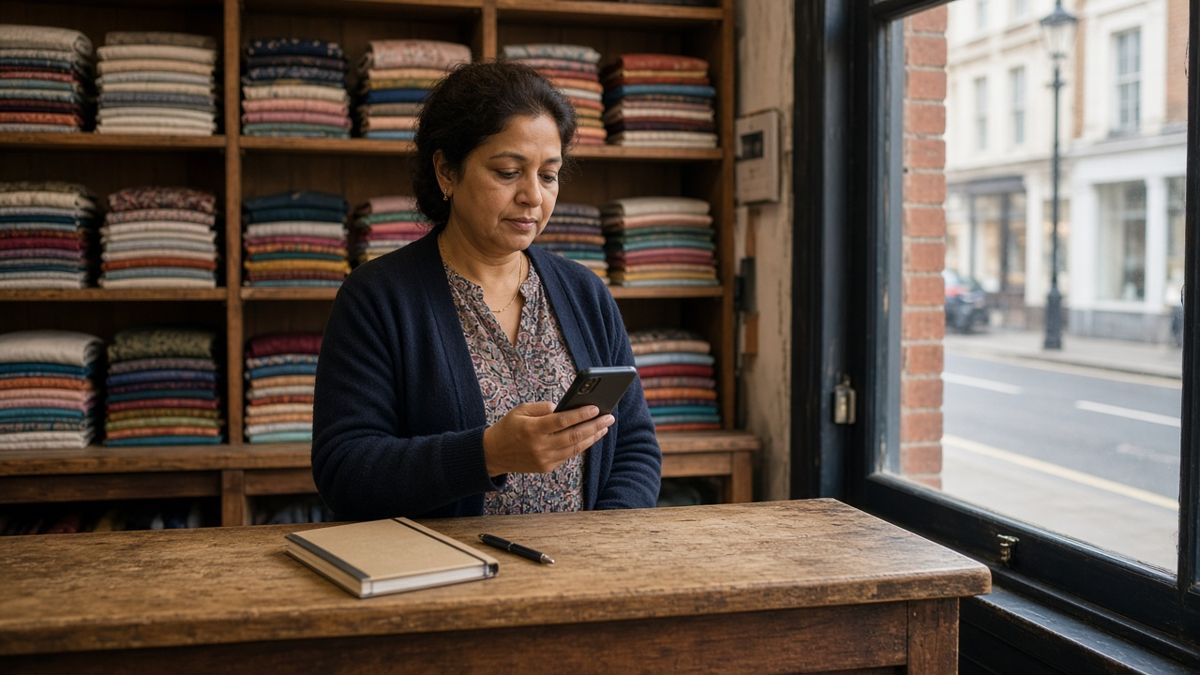
A change you can finish this week
You do not need to rebuild your website, or learn a new system, to do this. If you already have a domain, setting up one professional address and putting it in the obvious places is a job you can complete in an afternoon, or with a little help. Once it is done, every new enquiry and invoice comes from the same, clearly labelled address, and the replies arrive in one inbox.
Would you like a hand?
If you would like help choosing an address, connecting it to your domain or updating it on your website, you can book a free discovery call and we can walk through it together. Or, if you would rather explore on your own first, my free AI starter kit is a gentle place to start.