Taking card payments without a shop: simple card readers and payment links explained
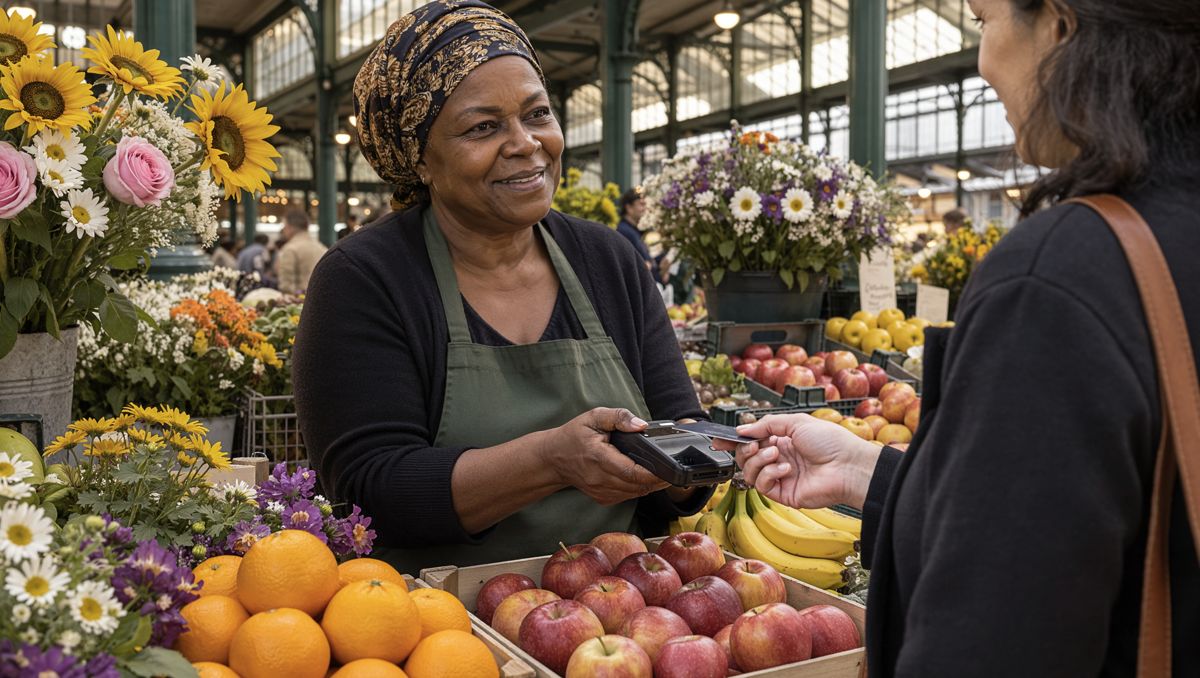
"Sorry, I've only got my card." For many sole traders, mobile workers and stallholders, that sentence used to mean an awkward wait while the customer went to find a cash machine.
You do not need a shop, a till or a long contract to take card payments. Two simple tools cover most small businesses: a small card reader that works with your phone, and a payment link you can send by text, WhatsApp or email. If you are also thinking about how people book and pay you online, my website page explains how it can all join up.
Two simple ways to get paid by card
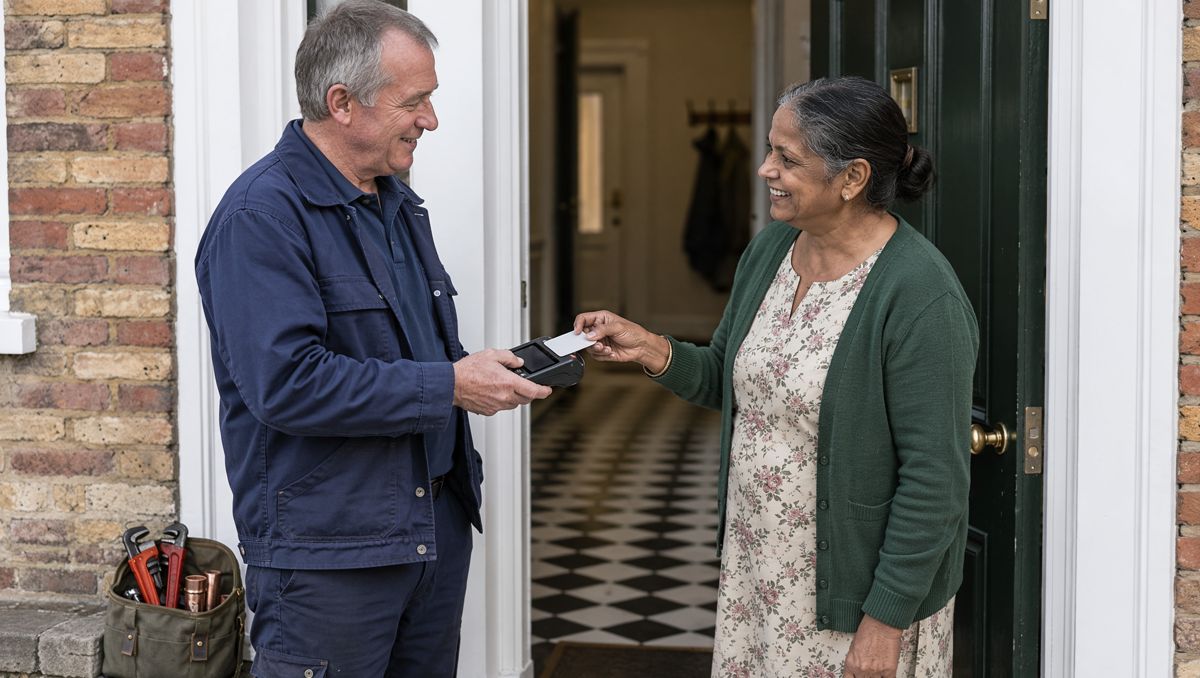
- A pocket card reader. A small device, about the size of a phone, that connects to an app on your phone. The customer taps their card or phone on it, or puts their card in and types their PIN. It suits face-to-face work: market stalls, mobile hairdressers, trades, cleaners and anyone who is paid on the spot.
- A payment link. A web link you create in an app and send to the customer. They open it and pay by card on their own phone or computer. It suits work paid after the job, deposits, and customers you never meet in person.
Many providers offer both in the same account, and some also let you take contactless payments on your phone itself, with no separate reader.
Questions to ask before you choose
Several well-known companies offer card readers and payment links to small UK businesses. Rather than recommend one, here are the questions worth asking, so you can compare them fairly:
- What does each payment cost? Most charge a small percentage of each payment, and some charge a fixed amount as well. Prices change, so check the provider's own pricing page on the day you sign up, not an old article or advert.
- Is there a monthly fee or a contract? Many simple options have none, which is ideal if your takings go up and down through the year.
- How much is the reader itself? Some are a one-off purchase; others are rented. Again, check the current price on the provider's website.
- When does the money reach my bank? Ask how long payouts take, and whether weekends make a difference.
- Does it work where I work? If you are often in basements, markets or rural spots, check whether the reader can work with a weak signal.
Setting it up, step by step
- Pick one provider using the questions above.
- Sign up on the provider's own website or official app. You will usually be asked for your name, address, business details and bank account, and for some proof of identity. This is normal, because they are handling money for you.
- Add your business name exactly as customers know it, so it looks familiar on their bank statement and they do not query the payment.
- Practise with a small test payment, for example by paying yourself a small amount with your own card, so you know what the customer will see.
- Save your common jobs or items in the app, such as "Call-out" or "Wash and blow-dry", with your own prices, so you are not typing them in each time.
Sending a payment link politely
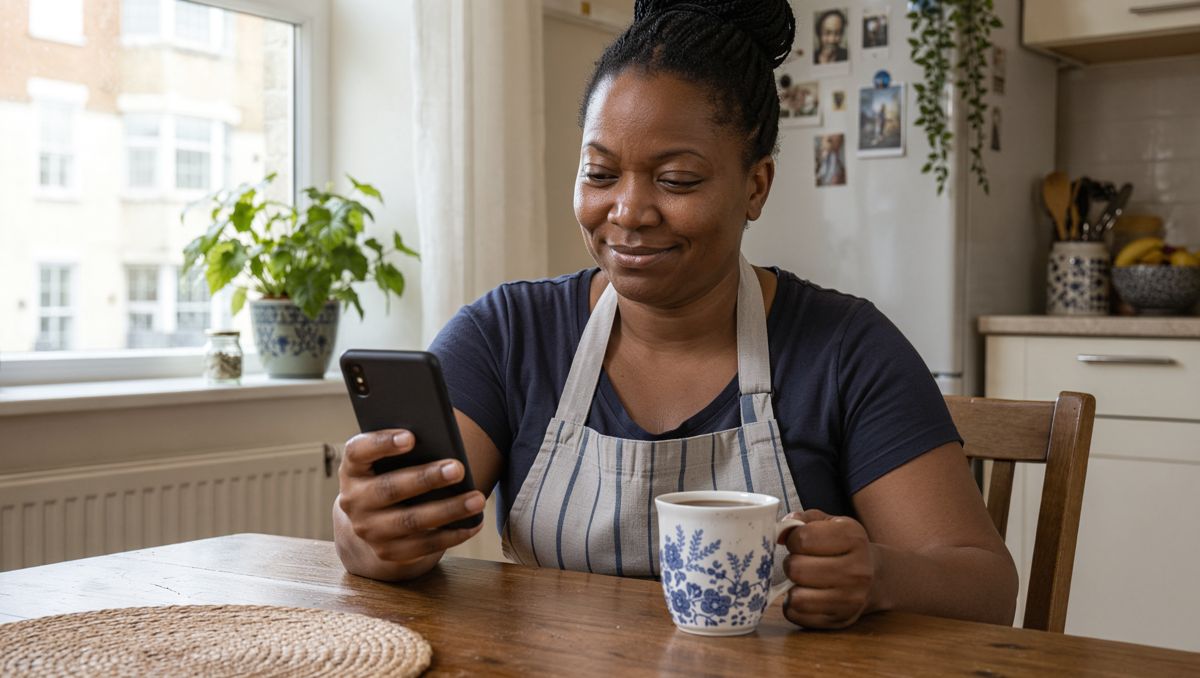
Payment links work well when you finish a job and the customer is not at home, or when you take a deposit at booking time. A short, friendly message is all you need:
- Say what the payment is for and the amount.
- Add the link.
- Thank them.
For example: "Hi Mrs Patel, thank you for today. Here is the link for the boiler service: [link]. Any questions, just reply here. Thank you, Dave." If you already take deposits when people book, you can use the same kind of link for those.
One word of caution: scammers also send fake payment links. Only send links from your provider's app, and if a customer is unsure, tell them they are welcome to ring you to check. My guide to spotting scam messages explains the warning signs.
Keep your records tidy

Card payments are easier to track than cash, if you look at them. Once a week:
- Check that the payouts in your banking app match the payments in your card app.
- Download or save the monthly statement from the card app for your records or your accountant.
- Keep the app's sign-in safe with a strong password and two-step sign-in. My guide to business logins shows how.
A small job you can do this week
Write down how most of your customers pay you now, and how many times in the last month someone asked to pay by card. If the answer is "quite often", choose one provider using the questions above and set it up with a small test payment.
Would you like a hand?
If you would like help choosing a card reader or payment links and connecting them to your bookings and website, I can set it up with you. Book a free discovery call and we can talk it through. Or, if you prefer to start on your own, my free AI starter kit is a gentle place to begin.