Too much admin at the end of the day? Three small automations that give you your evening back
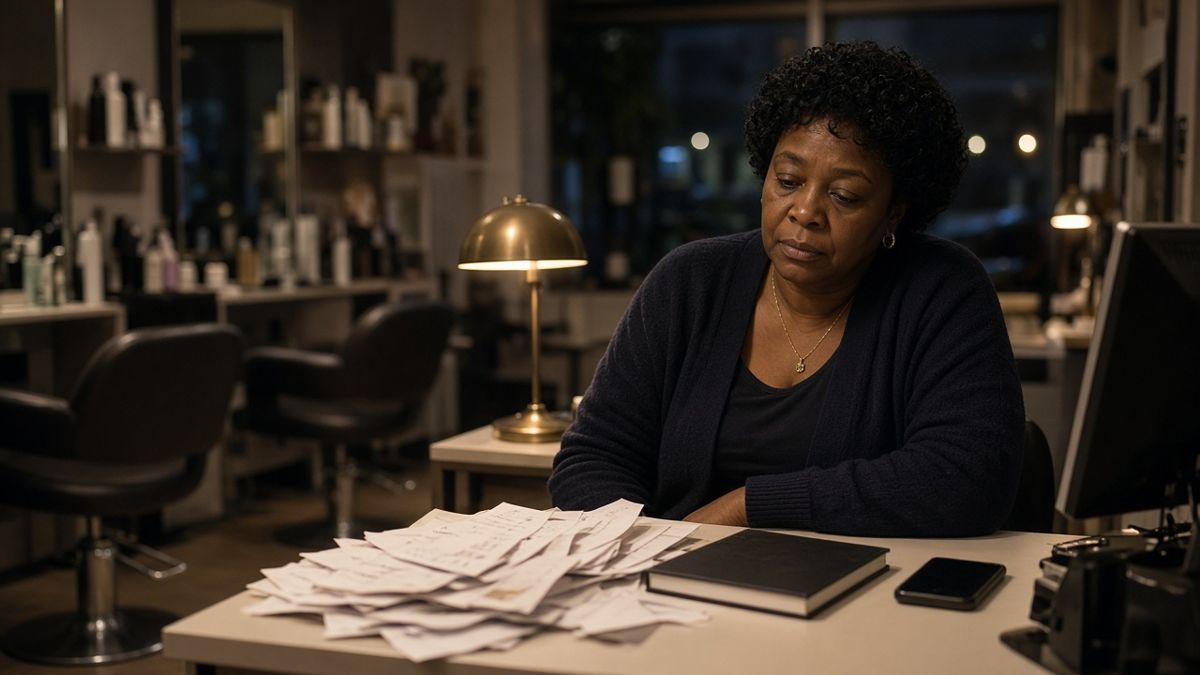
The shop is closed, the last customer has gone, and you finally sit down. Then you remember: tomorrow's bookings still need confirming, there is a pile of receipts by the till, and your inbox has forty unread emails. Before you know it, it is nine o'clock and the evening has gone.
If this sounds like your week, you are not doing anything wrong. Small business owners often carry every job themselves. But some of that end-of-day admin is the same small task repeated again and again, and repeated tasks are exactly what simple automations are good at.
You do not need to be technical for this. Each of the three ideas below can be set up in an afternoon, and each one keeps working quietly in the background once it is done.
First, notice where your evenings go
Before setting anything up, spend one week jotting down what you do after closing. Keep a notepad by the till or the kettle, and write a few words each time: "texted three clients to confirm", "typed receipts into spreadsheet", "sorted emails".

By the end of the week, you will probably see two or three jobs that come up every single day. Those are the ones worth automating first.
Automation one: let bookings confirm themselves
For many service businesses, the biggest evening job is messaging clients about appointments. "Just confirming you are booked in for 10am tomorrow."
Most online booking systems can do this for you. When someone books, they get a confirmation email straight away. The day before, they get a reminder by email or text. If they need to cancel or move, there is a link so they can do it themselves, and the free slot opens up for someone else.
To set this up:
- Choose a booking system that sends confirmations and reminders. Many have a free or low-cost plan for one person.
- Add your services, how long each one takes and the hours you are available.
- Turn on reminder messages and read the wording. Change it so it sounds like you.
- Book a test appointment for yourself, so you see exactly what clients receive.
Once it is running, confirmations go out even while you are eating dinner.
Automation two: let your inbox sort itself
A lot of email is not urgent. Supplier newsletters, delivery updates, bank notices and social media alerts all land in the same place as a real customer asking for help. Picking through them every evening is tiring.
Both Gmail and Outlook let you create simple rules, sometimes called filters. A rule says something like: "Any email from this supplier goes into the Suppliers folder" or "Any delivery notification goes into the Deliveries folder and is marked as read." You set it up once, and from then on it happens automatically.
A gentle way to start:
- Look at today's inbox and pick the sender you hear from most often that is not a customer.
- In Gmail, open one of their emails, click the three dots and choose "Filter messages like these". In Outlook, right-click the email and look for "Rules".
- Send their emails to a folder or label, and check that folder once a week instead of every day.
Add one new rule each day for a week, and your main inbox will start to show mostly the messages that actually need you.
Automation three: stop typing up receipts
Paper receipts have a way of piling up. Typing them into a spreadsheet at the end of a long day is nobody's idea of a good evening.
Most bookkeeping apps used by UK sole traders and small businesses, such as Xero, QuickBooks and FreeAgent, let you photograph a receipt with your phone. The app reads the details for you, and you check them and save. Many also connect to your business bank account, so payments appear without you typing them in.
If you already use one of these apps, look in its settings or help pages for "receipt capture" or "bank feeds". If you do not use one yet, your accountant may have a preference, so it is worth asking them first. The habit that makes the difference is simple: photograph each receipt the moment you get it, then put the paper in a box.
Start with one, not all three
It is tempting to try everything at once, but that is how new systems end up abandoned. Pick the one automation that would save you the most time this week, set it up, and live with it for a fortnight. When it feels normal, add the next.

The aim is not to turn your business into a machine. It is to hand the dull, repetitive jobs to tools that do not get tired, so your evenings can belong to you and the people you care about.
Would you like a hand?
If you would like help choosing a booking system, setting up email rules or getting your receipts sorted, you can book a free discovery call and we can look at your week together. Or, if you would rather explore on your own first, my free AI starter kit is a gentle place to start.