One inbox, not five: bringing email, Facebook and WhatsApp messages together
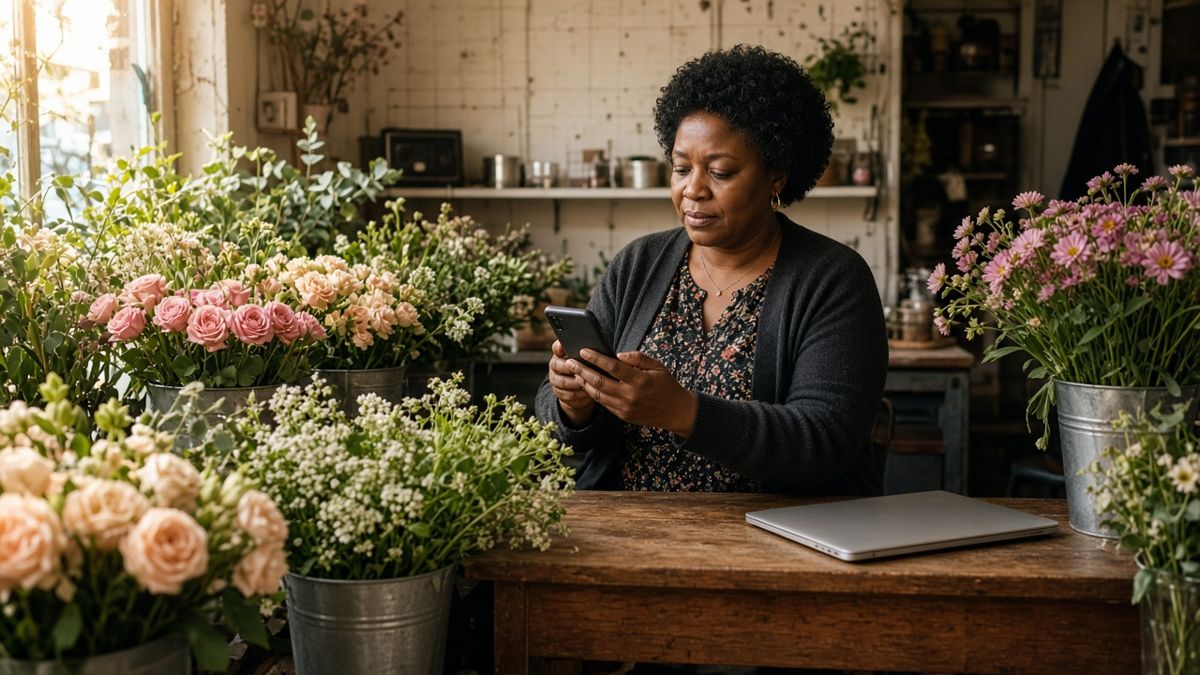
A customer sends you a Facebook message on Monday. Another emails on Tuesday. Someone else asks the same question on WhatsApp, and a fourth person comments on Instagram. By Thursday you are scrolling through four different apps, trying to remember who you have already answered.
If that sounds familiar, you are not disorganised. You are simply being asked to watch too many doors at once. The good news is that you do not need to close any of those doors. You just need fewer places to check. Bringing your messages together is one of the practical jobs I help small businesses with.
Why messages get missed
Most small businesses did not plan their messages. They grew. You set up a Facebook page, then someone suggested Instagram, then customers started asking for your WhatsApp, and of course there is still your email and your ordinary text messages.
Each app has its own notifications, its own "unread" markers and its own habits. It is very easy to open a message on your phone while you are busy, mean to reply later, and then lose it because it no longer shows as new. Customers rarely complain about this. They just quietly go somewhere else.
Step one: write down every door
Before changing anything, take ten minutes with a pen and paper and list every place a customer can contact you. For example:
- Your business email address, and any old ones that still receive mail
- Facebook Messenger and comments on your Facebook page
- Instagram messages and comments
- WhatsApp or WhatsApp Business
- Ordinary text messages and voicemail
- Your website contact form, and any booking system that sends you messages

Next to each one, write roughly how often people use it. You may find that one or two places bring in most of your enquiries, and one or two hardly get used at all. That is useful to know.
Step two: bring Facebook, Instagram and WhatsApp together
If you use Facebook and Instagram for your business, Meta (the company behind both) offers a free tool called Meta Business Suite. Its inbox can show your Facebook Messenger chats and Instagram messages in one list, and comments can appear there too. Depending on your setup, a WhatsApp Business account can often be connected as well.
To get started, sign in to Meta Business Suite with the Facebook account that manages your business page, open the Inbox, and follow the prompts to link your Instagram account. Do this on a computer the first time, as the screens are easier to follow. After that, the Meta Business Suite app on your phone lets you reply from the same place.
Step three: tidy up your email
Email is often the messiest door, because many people have collected several addresses over the years. If you have more than one, choose one main business address and send the others to it. Most email services, including Gmail and Outlook, let you forward mail from an old address automatically, or collect it into your main inbox.
Then set up a simple folder or label called something like "Waiting for reply". Whenever you read a message but cannot answer straight away, move it there. At the end of the day, that folder is your to-do list.
Step four: close or redirect the doors you do not need
If a channel hardly gets used, you do not have to keep watching it. Instead of leaving it silent, point people somewhere better. For example, you could:
- Set an away message on an old account that says, "Thank you for getting in touch. The quickest way to reach me is by email at..."
- Put one clear way to contact you at the top of your website, rather than six
- Turn off notifications for apps you only check once a week, so they stop pulling at your attention
The aim is not to be everywhere. It is to be reliably reachable in the places your customers actually use.
Step five: give yourself a checking routine
Even with fewer inboxes, a routine helps more than any app. Many people find it calmer to check messages at set times, for instance mid-morning, after lunch and before closing, rather than reacting to every buzz.
If you are worried about people waiting, an away message or a saved reply can let them know when you will get back to them. Something like "Thanks for your message. I check messages three times a day and will reply as soon as I can" sets a fair expectation and takes the pressure off you.
A simple way to begin
You do not need to do all of this in one go. A gentle order is:
- List every place customers can contact you.
- Connect Facebook and Instagram in Meta Business Suite.
- Choose one main email address and forward the rest to it.
- Redirect any channel you rarely use.
- Pick two or three set times a day to check and reply.
Would you like a hand?
If you would like help bringing your messages into fewer places, setting up away messages and saved replies, or deciding which channels are worth keeping, you can book a free discovery call and we can look at it together. Or, if you would rather explore on your own first, my free AI starter kit is a gentle place to start.