Lost or broken phone? A simple backup routine so your business keeps going
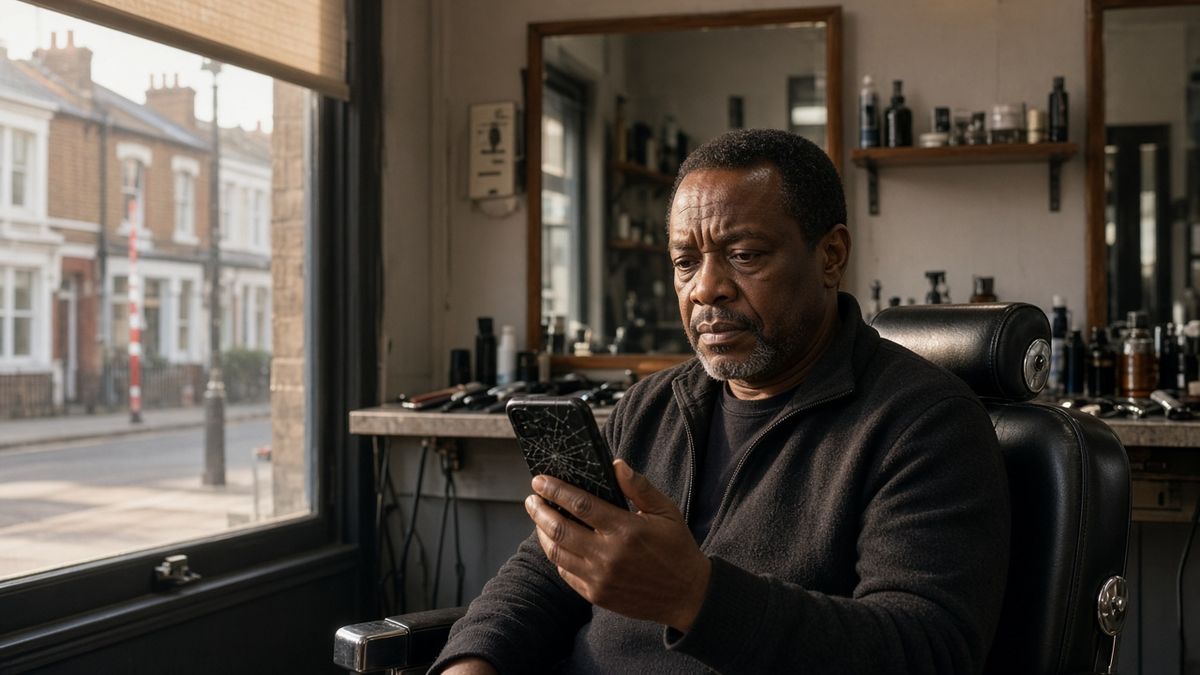
For a lot of small businesses, the phone is the business. It holds your customers' numbers, your WhatsApp conversations, photos of your best work, your bookings and your banking app. Most of the time that is very handy. Then one day the phone slips out of a pocket on the bus, goes through the wash, or simply stops turning on.
I often hear the same worry from owners: "If I lost this phone, I would lose everything." It does not have to be that way. A little setting-up now, done once, means a lost or broken phone becomes a nuisance for a day or two rather than weeks of trying to find people again. Your website and booking system should live in accounts you can still reach if the handset is gone, not only on the phone itself.
Step 1: Check that your phone is already backing up
Both iPhones and Android phones can save a copy of your contacts, photos and settings to your account online. Many people assume it is switched on, but it is worth checking, because it is often turned off or stopped working months ago.
- On an iPhone: open Settings, tap your name at the top, then iCloud, then iCloud Backup. Make sure it is switched on, and look at the date of the "last successful backup".
- On an Android phone: open Settings and search for "Backup". Make sure backup to your Google account is switched on, and check when it last ran. The exact wording differs a little between makes of phone.
If the last backup was weeks ago, or there is a message saying your storage is full, that is the thing to sort out first. You may need to delete old videos you no longer need, or choose a larger storage plan. Check the current price in your phone's settings before you agree to anything, and only pay for what you need.

Step 2: Make sure your contacts are saved to your account
Your customer numbers matter more than anything else on the phone. Check that new contacts are saved to your iCloud or Google account, not only to the phone or the SIM card. In the contacts app, open one recent customer and look at where it is stored. If you are unsure, sign in to your Google or iCloud account on a computer and see whether your contacts appear there. If they do, they are safe.
Step 3: Back up your WhatsApp chats
WhatsApp keeps its own backup, separate from the phone's. If customers message you there, this one matters.
- Open WhatsApp, go to Settings, then Chats, then Chat backup.
- Tap "Back up now", and set automatic backups to daily or weekly.
- If you use WhatsApp Business, the steps are the same.
This keeps your conversation history, so if a customer says "as I told you last month", you can still find it.
Step 4: Keep a short paper list in a safe place
Technology is wonderful until you cannot get into it. Write down a few key things and keep the list somewhere safe at home, not in your handbag or with the phone:
- Your Apple ID or Google account email address
- Your mobile network and account number, so you can order a replacement SIM
- Your bank's phone number for reporting a lost phone
- A handful of your most important numbers: key suppliers, your accountant, a family member
Please do not write your passwords on the same list. As I explained in my article on keeping your business logins safe, a password manager is the better home for those.

Step 5: Switch on "find my phone"
Both iPhone ("Find My") and Android ("Find My Device") let you see where your phone is on a map, make it ring, lock it, or wipe it from another device if it has been stolen. Check that it is switched on in your settings today. It only works if it was turned on before the phone went missing.
If the worst happens
If your phone is lost or stolen, stay calm and work through it in order:
- Use "find my phone" from a computer or a family member's phone to locate it or lock it.
- Ring your mobile network to block the SIM and order a replacement.
- If your banking app was on it, let your bank know.
- Once you have a new phone, sign in with the same Apple or Google account, choose to restore from your backup, and then restore WhatsApp when it asks.
If the backups were working, your contacts, photos and chats should come back. It is worth letting regular customers know if you were unreachable for a day, but you will not have lost them.
A small job you can do this week
Set aside fifteen minutes with a cup of tea. Check your phone backup date, check your WhatsApp backup, and write your short paper list. That is all. Next time a phone goes in the washing machine, you will be very glad you did.
Would you like a hand?
If you would rather someone sat with you and checked it all properly, from backups to contacts to your business email, you can book a free discovery call and we can go through it together. Or, if you prefer to start on your own, my free AI starter kit is a gentle place to begin.