Chasing unpaid invoices: polite automatic reminders so you do not have to
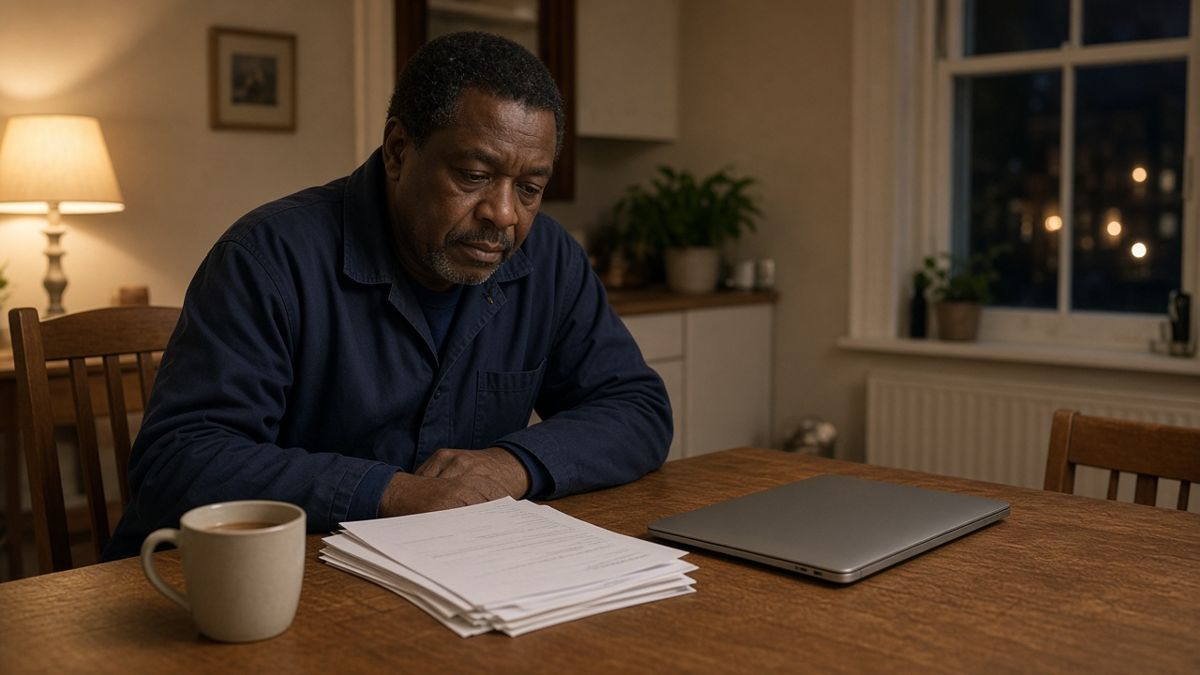
You have done the job, the customer was happy, and you sent the invoice. Then nothing. A week goes by, then two. You know you should chase it, but it feels awkward, and by the end of a long day it is the last thing you want to do.
If this sounds familiar, you are not alone. Most late payers are not trying to avoid you. They are busy, the email got buried, or they meant to pay and forgot. A gentle, well-timed reminder is often all it takes, and the good news is that you can set those reminders up once and let them go out on their own. That kind of simple automation is well within reach for a small business.
Why chasing feels so hard
Many small business owners know their customers personally. Asking for money can feel like spoiling a good relationship, so we put it off. The longer we wait, the more uncomfortable it becomes.
An automatic reminder takes the feeling out of it. It is not you being pushy; it is simply how your business works. Customers are used to receiving reminders from their dentist, their phone company and their council, so a polite note from you will not surprise them.
Start with a clear invoice
Reminders work best when the invoice itself is easy to pay. Before you set anything up, check that every invoice shows:
- Your business name, phone number and email address
- A clear invoice number and the date you sent it
- What the work was, in plain words
- The amount due and the date it is due by, for example "Payment due within 14 days, by 17 November"
- How to pay: your bank details, or a "Pay now" link if you take card payments
If a customer has to search for your bank details, they will put it off. Make paying the easiest thing to do.
Use an invoicing app that sends reminders for you
You do not need anything complicated. Most invoicing and accounting apps, such as Xero, QuickBooks and FreeAgent, can send reminders automatically when an invoice becomes overdue. I also help businesses set up admin automations of this kind. Some card payment services can do the same. If you already use one of these for your accounts, the reminder feature may already be there, waiting to be switched on.

Look in the app's settings for something called "payment reminders" or "invoice reminders". You can usually choose when they go out and change the wording. Once it is set up, the app watches your invoices and stops sending reminders as soon as an invoice is marked as paid.
If you send invoices from Word or a spreadsheet, you can still keep it simple: write your reminder messages once, save them, and put a note in your diary or phone calendar on the due date of each invoice.
A gentle reminder timetable
Here is a calm pattern that suits most small businesses. Adjust the timings to fit your own payment terms.
A few days before the due date. A friendly heads-up. "Just a quick note that invoice 1042 is due on Friday. Thank you, and do let me know if you have any questions."
On the due date, or the day after. A polite reminder. "I hope all is well. Invoice 1042 was due yesterday. If you have already paid, thank you, and please ignore this message. If not, the payment details are below."
About a week later. A little firmer, still kind. "I am following up on invoice 1042, which is now a week overdue. Could you let me know when I can expect payment? If anything is wrong with the invoice, I am happy to help."
After two or three weeks. This is the point to pick up the phone yourself. A short, friendly call often sorts things out quickly, and you may find there is a simple reason, such as the invoice going to the wrong person.
Wording that keeps things friendly
A few small touches make reminders feel courteous rather than cold:
- Always include the invoice number, amount and due date, so there is no confusion.
- Add "If you have already paid, thank you" to cover payments that crossed in the post.
- Offer help: "If there is a problem with the invoice, just reply and let me know."
- Keep it short. Two or three sentences is plenty.
- Sign it with your name, not just your business name.
If you find writing these messages difficult, a tool such as ChatGPT can help you draft a polite version in a minute. Read it through, make it sound like you, and remove anything you would not say yourself.
A few habits that help you get paid sooner
- Agree payment terms before you start. Tell customers when you expect to be paid, and put it in writing.
- Send the invoice straight away. The day the job is finished is best, while it is fresh in everyone's mind.
- Consider a deposit for larger jobs. Asking for part of the payment up front reduces the risk if a customer is slow to pay later.
- Keep a simple list. Who owes what, and since when. Even a page in a notebook helps you see things at a glance.
Give yourself the evening back
Once your reminders are set up, you no longer need to remember who to chase, or spend your evening working up the courage to send an awkward message. The system does the polite nudging for you, and you only step in when a phone call is truly needed.
If you would like help choosing an invoicing app, switching on reminders or writing messages that sound like you, you can book a free discovery call and we can set it up together. If you would rather start on your own, my free AI starter kit has simple, practical ideas to get you going.