“Do you have a website?” What a simple one-page site needs, and what it does not
"Do you have a website?" It is a simple question, but it can leave a small business owner feeling caught out. Perhaps your customers have always found you by word of mouth or your Facebook page, and now people are asking for a link.
The good news is that you do not need a large, complicated website. For many local businesses, one clear page does the job: who you are, what you do, where you work and how to get in touch.
What a website is really for
For most small businesses, a website is not there to impress anyone. It is there to reassure. Someone has heard your name or seen your van. Before they ring, they want to check that you are real, that you do what they need, that you cover their area, and that you are easy to contact. A simple page answers those questions quietly, even at eleven o'clock at night when you are not answering the phone.
Before you start: jot down the basics
You will build your page much faster if you write the words first. Answer these questions in plain language, as if you were talking to a customer:
- What do you do, in one sentence?
- Who do you usually help, and where?
- What are the three or four main services people ask you for?
- When are you available, and how do people book or contact you?
- Why do people come back to you? A few honest words are enough.

Do not worry about sounding clever. Customers trust plain words far more than marketing language.
What your one page needs
Roughly in this order, from top to bottom:
1. Your business name and a one-line summary. For example: "Friendly, reliable garden maintenance in East London."
2. A clear way to contact you, near the top. Your phone number, your email address and, if you use it, a WhatsApp link. On a phone, the number should be tappable so people can ring you straight away. If you take appointments, add a booking button.
3. Your main services. A short list is fine. Only include prices if you are happy for them to be public and you will keep them up to date. Otherwise, "Contact me for a quote" is perfectly acceptable.
4. The areas you cover and your opening hours. This saves calls from people too far away.
5. A short "about me" section. Two or three sentences and a friendly photo of you or your premises. People like to know who they will be dealing with.
6. A few genuine reviews, if you have them. Copy two or three short comments from happy customers, with their permission, or link to your Google reviews. Never make any up.
Think about the phone first
Most people will look at your page on a mobile phone, so check it on your own phone, not only on a computer.
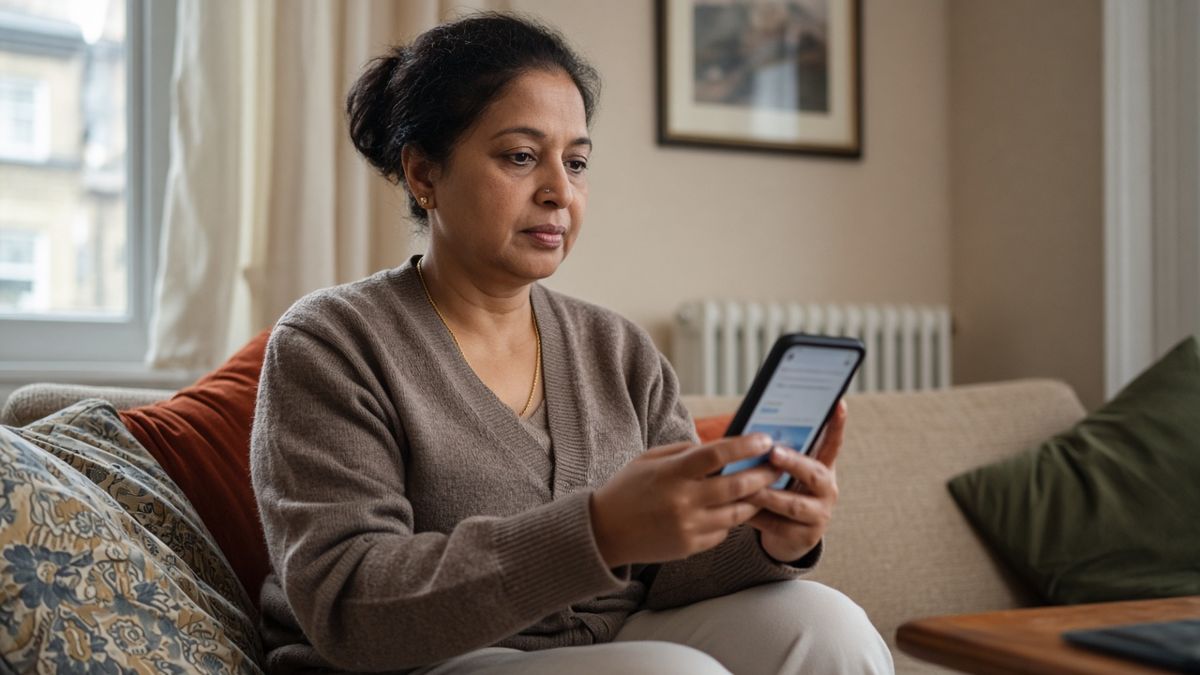
Ask yourself: can I read the text without zooming in? Can I find the phone number without scrolling for ages? Does the booking button work? If the answer to any of these is no, fix that before anything else.
What you can safely leave out
You do not need:
- Lots of pages. Home, About, Services, Gallery and Contact can all live on one page.
- A blog, unless you genuinely want to write one.
- An online shop, unless you actually sell products online.
- Fancy animations or videos. They can slow the page down, especially on older phones.
- Stock phrases such as "We are passionate about excellence". Say what you do instead.
Leaving these out makes your page quicker to load and easier to use, which is what customers care about.
Use your own photos
Real photos of you, your work and your premises build more trust than glossy stock images. Your phone camera is fine. Take pictures in good daylight, keep the background tidy, and choose three to six that show what you do best.
Keeping it up to date
Put a reminder in your diary every few months to check that your phone number, hours, services and any prices are still correct. An out-of-date page can put people off more than having no page at all.
Once your page is live, add the link to your Google Business Profile, your Facebook page, your email signature and your business cards.
A simple start is a good start
You do not need to have everything worked out to get online. One honest, clear page with your contact details and services will answer that "Do you have a website?" question, and you can build on it later if you want to.
If you would like help writing the words, choosing your photos or getting the page set up, you can book a free discovery call and we can talk it through together. If you would rather start on your own, my free AI starter kit has simple, practical ideas to get you going.