No-shows costing you money? Simple reminder texts and emails that clients actually read
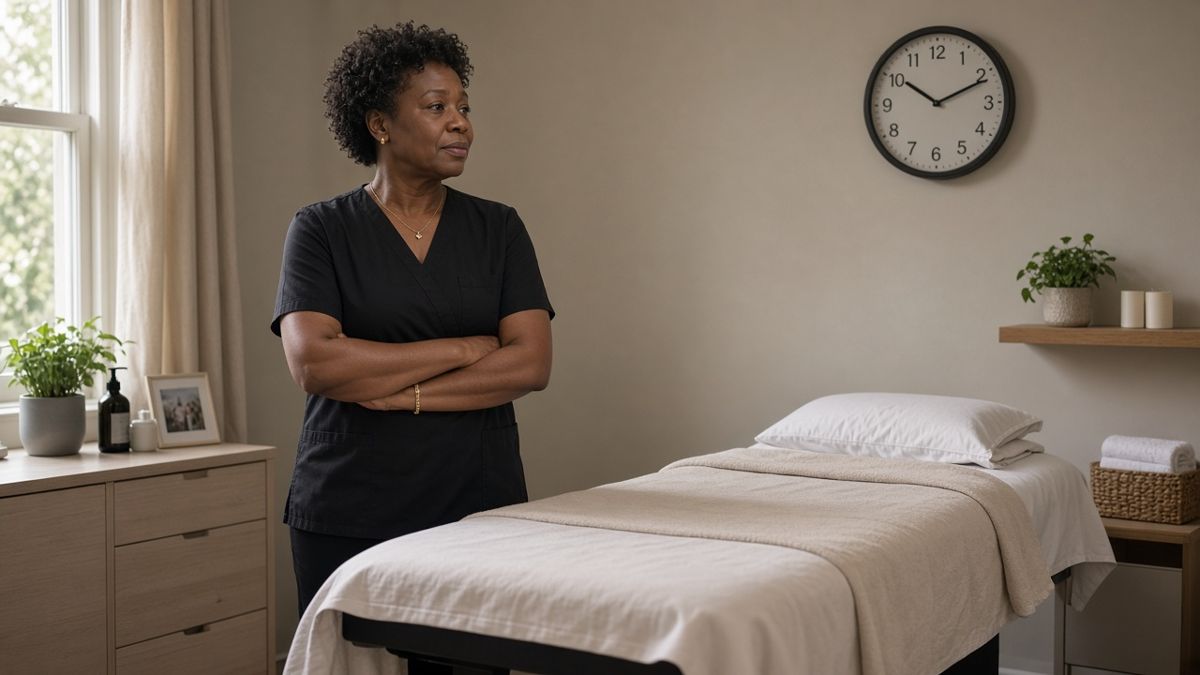
You have set the room up and turned down another enquiry to keep the slot free. Ten minutes pass, then twenty. The client does not arrive, and when you ring, it goes to voicemail. Later you get a message: "So sorry, I completely forgot."
Most people who miss an appointment are not being rude. They are busy, the booking was made weeks ago, or the date simply slipped their mind. That is good news, because forgetting is the easiest problem to fix. A short reminder, sent at the right time, does most of the work for you.
Why reminders work
A reminder does two jobs. It jogs the memory of people who would otherwise forget, and it gives people who cannot make it an easy way to tell you in advance. A cancellation the day before is far better than an empty chair, because you still have time to offer the slot to someone else.
The trick is to keep it short, clear and easy to act on.
Step one: decide when reminders go out
For most small businesses, two reminders are plenty:
- One the day before, ideally late morning or early afternoon, so people have time to rearrange things if needed.
- One a couple of hours before, for clients who tend to run late or forget on the day. This is optional, and some clients find one reminder enough.
If you book people weeks or months in advance, such as for an annual service or a course, add a gentle reminder about a week before as well.
Step two: choose how to send them
You do not need anything expensive. Start with what you already have.

- Your booking tool: if clients already book online through Google Calendar's appointment schedule, Cal.com, Calendly or a salon booking system, look in the settings for "reminders" or "notifications". Email reminders are usually included, and many tools also offer text messages, sometimes as a paid extra. Check what your plan includes.
- Your calendar: if you add bookings yourself, you can invite the client to the calendar event using their email address. Their own calendar will then remind them.
- WhatsApp Business: the free app lets you save "quick replies", so you can send a ready-made reminder in a couple of taps. It is not fully automatic, but it takes seconds each morning.
- A paper diary: if you are not ready to move online, set yourself a daily alarm and send the next day's reminders from your phone in one go.
Step three: write a reminder people will actually read
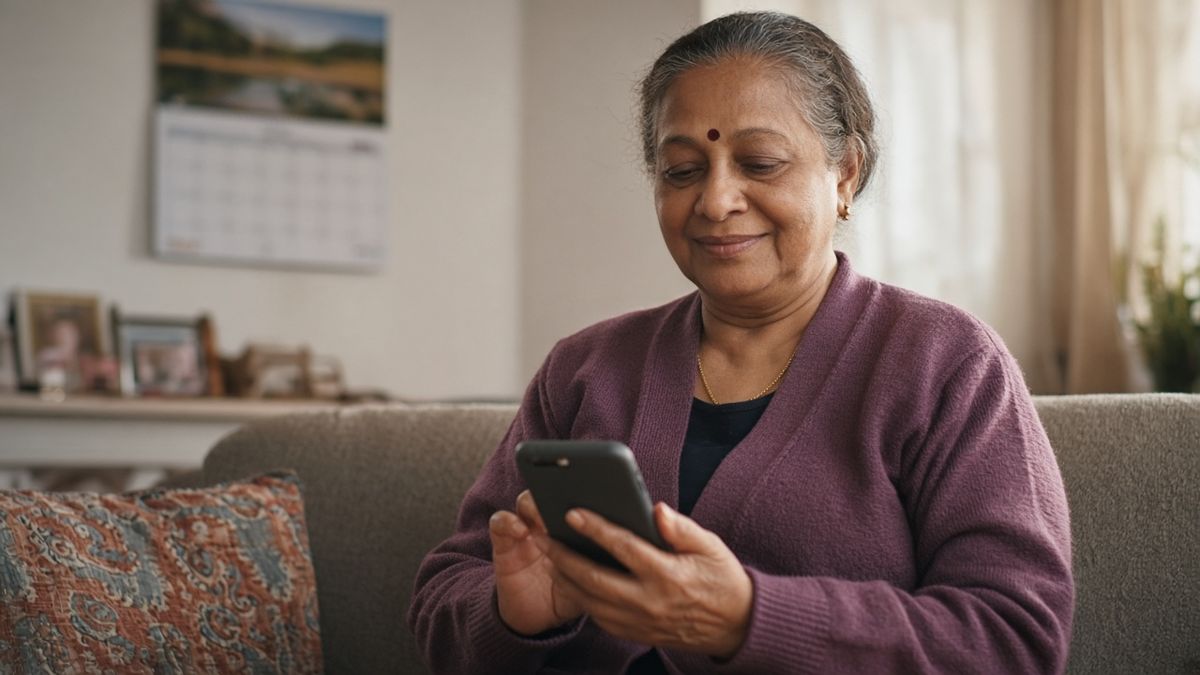
Keep it to three or four lines. Say who you are, when the appointment is, and what to do if plans have changed. Here is a simple example you can adapt:
Hello Sarah, this is a reminder of your appointment with [your business name] tomorrow, Tuesday, at 2pm, at [address]. If you need to change or cancel, please reply to this message or call me on [your number] so I can offer the time to someone else. See you tomorrow.
A few small touches make a big difference:
- Use their first name so it feels personal, not like a bulk message.
- Put the day and time near the start, because that is what people look for.
- Include the address if it is their first visit, or a note about parking.
- Make it easy to reply. People are far more likely to let you know if they can simply answer the message.
- Say why it matters, gently. "So I can offer the time to someone else" reminds people that a missed slot affects real people, without sounding cross.
Step four: be clear about cancellations
Reminders work best alongside a simple cancellation policy that clients know about before they book. It does not need to be strict. Something like "Please give at least 24 hours' notice if you need to cancel or move your appointment" is enough for many businesses.
Mention it on your booking page and in your confirmation message, and keep the wording friendly. If no-shows are still a regular problem after a few weeks of reminders, you might consider asking for a small deposit when people book. That is a bigger step, and one I will cover in a separate article.
Step five: test it, then leave it alone
Before you rely on it, book a pretend appointment for yourself using a different email address or a friend's phone. Check that the reminder arrives at the right time, that the details are correct, and that a reply comes back to you. Then cancel the test booking.
Once it is working, let it run for a month and note how many people miss appointments, so you can see whether things have improved.

A small change that protects your time
Reminders are one of the simplest things you can set up for your business, and they quietly protect your time and income every week. You do not need to be technical. Start with one reminder the day before, and build from there.
If you would like a hand setting up reminders, online booking or a friendly confirmation message, I am happy to help. You can book a free discovery call and we can look at what would suit your business.