Asking for Google reviews without feeling awkward: a gentle routine that works
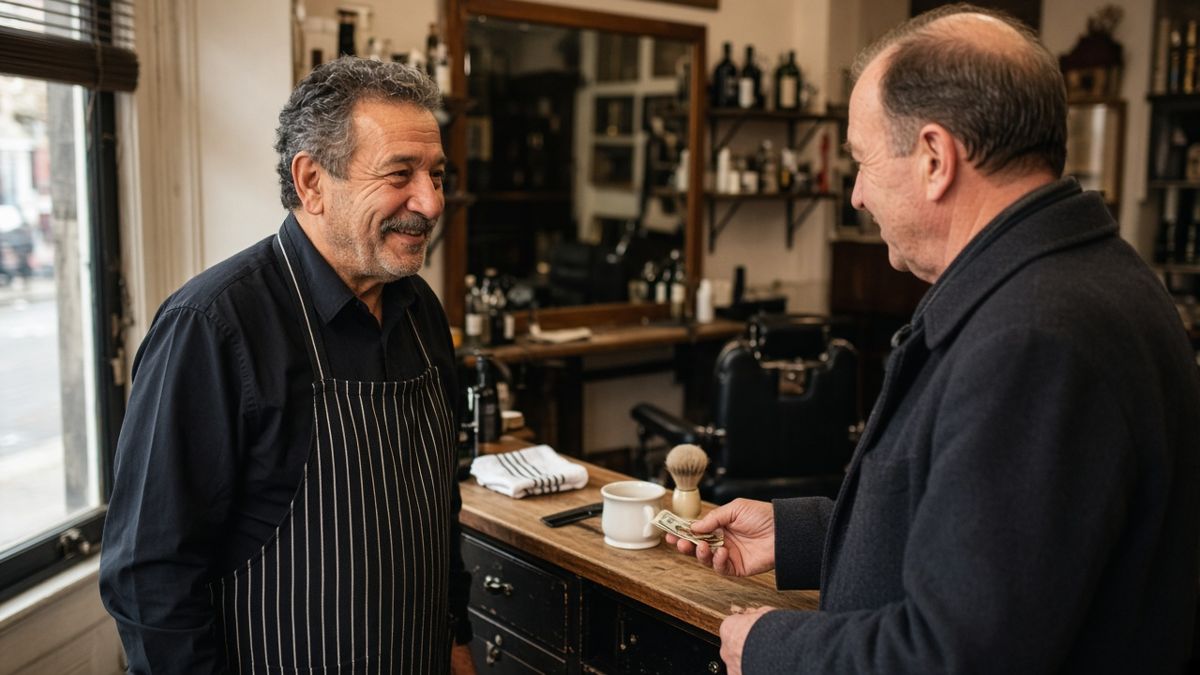
When people look for a local business, many of them glance at the Google reviews before they decide. A handful of recent, genuine reviews can be the difference between someone ringing you or ringing the shop down the road.
Yet most small-business owners find asking for reviews uncomfortable. It can feel like fishing for compliments, or like putting pressure on people. The good news is that most happy customers are perfectly willing to leave a review. They simply forget, or are not sure how. A gentle routine takes the awkwardness out of it for both of you. Reviews sit next to your Google listing, alongside your phone number and website if you have one.
Step one: make sure your Google Business Profile is set up
Reviews appear on your Google Business Profile, the free listing that shows up in Google Search and Maps. If you have not claimed yours yet, do that first. Check that your name, address, phone number, opening hours and website are correct, because those are the details people will see next to your reviews.
Step two: get your review link
Google gives every business profile a short link that takes customers straight to the page where they can write a review. Sign in to your profile, look for the option called Ask for reviews or Get more reviews, and copy the link it gives you.
Save that link somewhere handy: in a note on your phone, as a WhatsApp quick reply or as an email signature. You can also turn it into a QR code to print on a small card by the till.
Step three: ask at the right moment
The best time to ask is when a customer has just told you they are pleased. That might be when they thank you at the end of an appointment, praise your work, or come back for the third time.
You can keep it very simple and honest:
"I am so glad you are happy with it. If you have a minute, a short Google review really helps a small business like mine. I can send you the link."
Then send the link that day, while it is fresh in their mind. Most people say yes when the request is polite and the next step is easy.

Step four: send a short follow-up message
If you send booking confirmations or thank-you messages already, you can add a line to them. For example, a message the day after an appointment:
"Thank you for coming in yesterday. If you were happy with everything, I would be very grateful for a short review here: [your link]. If anything was not quite right, please reply and let me know, so I can put it right."
That last sentence matters. It gives anyone who was unhappy a way to talk to you directly.
What not to do
A few rules keep things fair and in line with Google's own guidelines:
- Do not offer anything in return for a review, such as a discount or a free gift.
- Do not ask only the people you think will be positive, or try to put off people who might not be.
- Do not write reviews yourself, or ask friends and family to pose as customers.
- Do not chase people repeatedly. One polite request and perhaps one gentle reminder is enough.
Step five: reply to every review
Replying shows future customers that you care. Keep it short and personal.
For a good review: "Thank you, Margaret, it was lovely to see you. Enjoy the new curtains, and see you in the spring."
For a disappointing review, stay calm. Thank them for the feedback, apologise for how they felt, and invite them to get in touch so you can sort it out. Avoid arguing in public. Other customers read these replies, and a gracious answer often reassures them more than a perfect score would.
Make it a habit
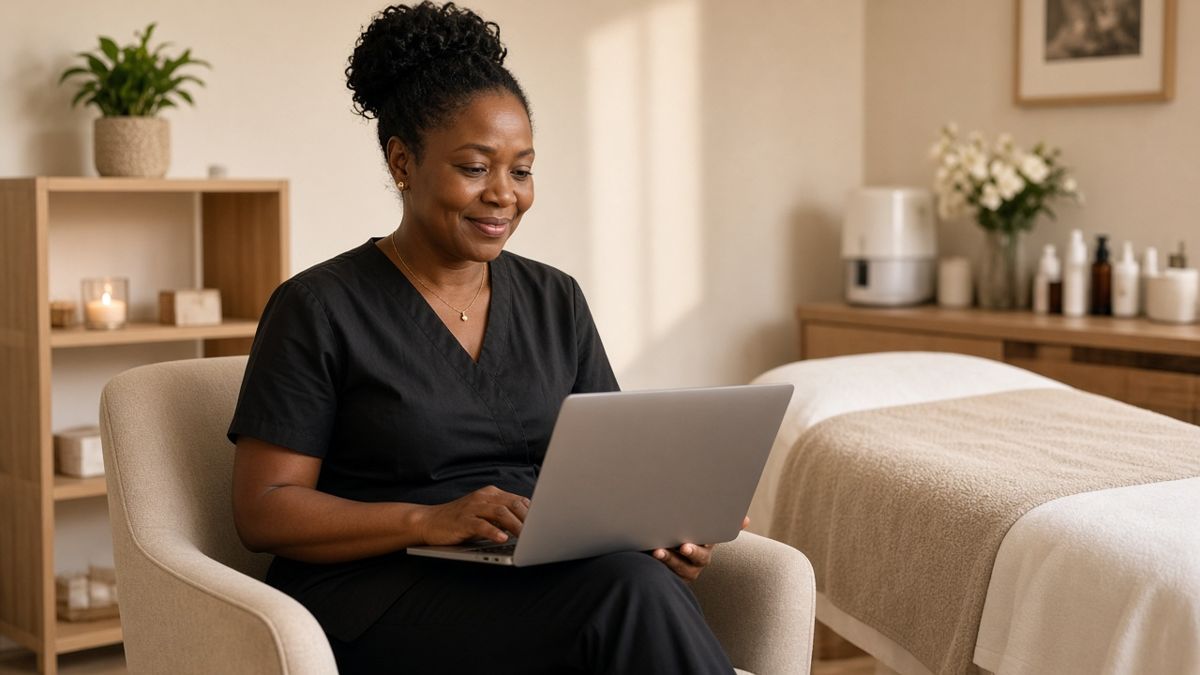
You do not need to ask everyone. Aim to ask one or two happy customers each week. Over a few months, that steady trickle of genuine reviews builds a picture of your business that no advert can match.
Would you like some help?
If you would like a hand setting up your review link, writing a follow-up message or adding it to your booking reminders, you can book a free discovery call and we can set it up together. Or, if you would like to start on your own, my free AI starter kit is full of simple ideas.